

Effortless Database Scalability: Automating PostgreSQL Partitioning in Django Applications
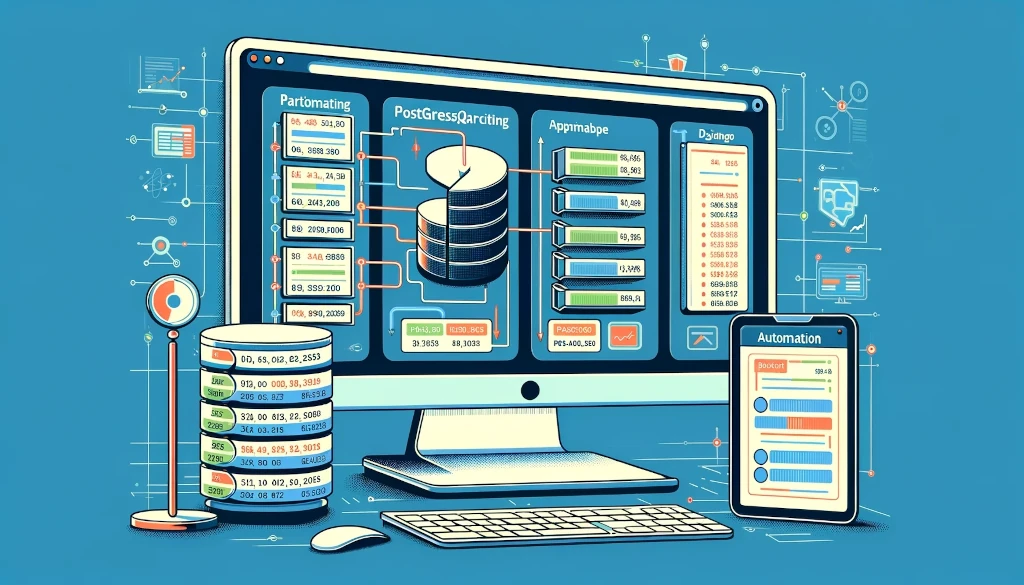
When it comes to managing large-scale databases within Django applications, automating the partition creation in PostgreSQL can significantly enhance performance and maintenance efficiency. Here's an approach to set up automatic partition creation:
1. Understand Partitioning Needs: Before automating, understand your data and how it grows. Common partitioning strategies include range and list partitioning.
2. Use Django Models and PostgreSQL Inheritance:
- Create a master table representing your data model in Django.
- Define child tables in PostgreSQL, inheriting from the master table. Each child table represents a partition.
3. Automating Partition Creation:
- Write a Database Function: Create a PostgreSQL function to automate partition creation. This function checks if a partition for a specific range or list exists and, if not, creates it.
- Trigger Creation: Use PostgreSQL triggers. When new data is inserted into the master table, the trigger calls the partition creation function.
4. Scheduling Regular Partition Checks:
- Use Django's custom management commands to write a script that periodically checks and creates necessary partitions.
- Schedule this script using a cron job or similar scheduling tool.
5. Data Management and Retention:
- Implement strategies for archiving or purging old data from partitions to maintain performance.
6. Testing and Validation:
- Thoroughly test the partitioning logic in a staging environment to ensure it works as expected with your Django app.
7. Monitoring and Maintenance:
- Regularly monitor the database performance and partition sizes.
- Adjust the partition strategy as data growth patterns evolve.
By automating partition creation in PostgreSQL for your Django application, you'll ensure more efficient data management, better performance, and easier scalability. Remember, each application is unique, so tailor the partitioning strategy to fit your specific requirements.
1. Understand Partitioning Needs: Before automating, understand your data and how it grows. Common partitioning strategies include range and list partitioning.
2. Use Django Models and PostgreSQL Inheritance:
- Create a master table representing your data model in Django.
- Define child tables in PostgreSQL, inheriting from the master table. Each child table represents a partition.
3. Automating Partition Creation:
- Write a Database Function: Create a PostgreSQL function to automate partition creation. This function checks if a partition for a specific range or list exists and, if not, creates it.
- Trigger Creation: Use PostgreSQL triggers. When new data is inserted into the master table, the trigger calls the partition creation function.
4. Scheduling Regular Partition Checks:
- Use Django's custom management commands to write a script that periodically checks and creates necessary partitions.
- Schedule this script using a cron job or similar scheduling tool.
5. Data Management and Retention:
- Implement strategies for archiving or purging old data from partitions to maintain performance.
6. Testing and Validation:
- Thoroughly test the partitioning logic in a staging environment to ensure it works as expected with your Django app.
7. Monitoring and Maintenance:
- Regularly monitor the database performance and partition sizes.
- Adjust the partition strategy as data growth patterns evolve.
By automating partition creation in PostgreSQL for your Django application, you'll ensure more efficient data management, better performance, and easier scalability. Remember, each application is unique, so tailor the partitioning strategy to fit your specific requirements.